Coming Soon: Sign Up for Digital Parking with Metropolis
Traveling through Northwest Arkansas National Airport (XNA) is about to get even easier. Beginning May 27, 2025, you can sign up once for seamless and contactless payment with Metropolis.
Metropolis, our trusted partner and parking operator at XNA, is equipping our garage and surface lots with cutting-edge technology to make your parking experience faster, easier, and more efficient.
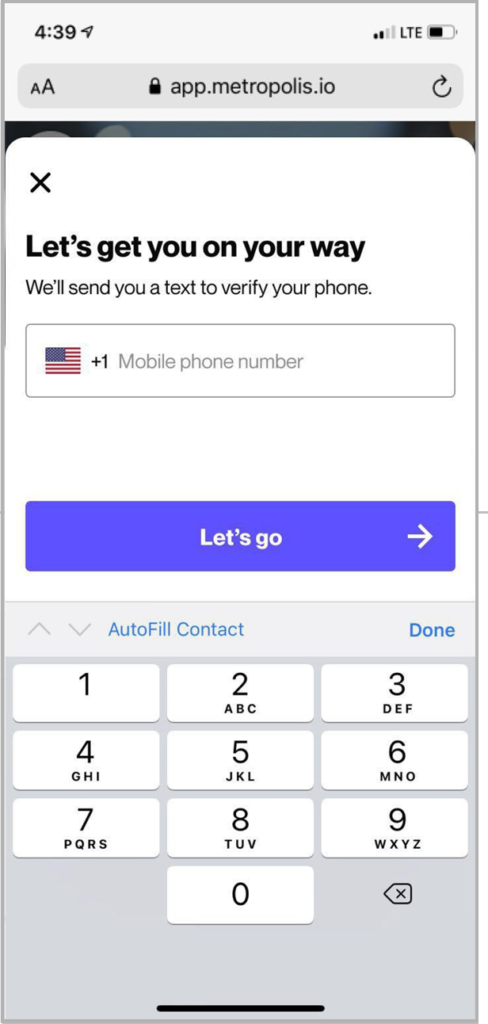
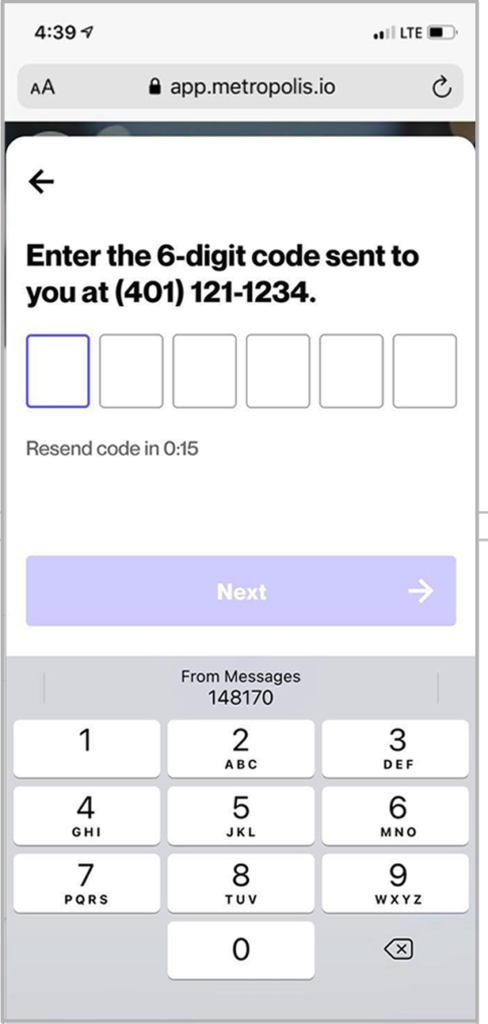
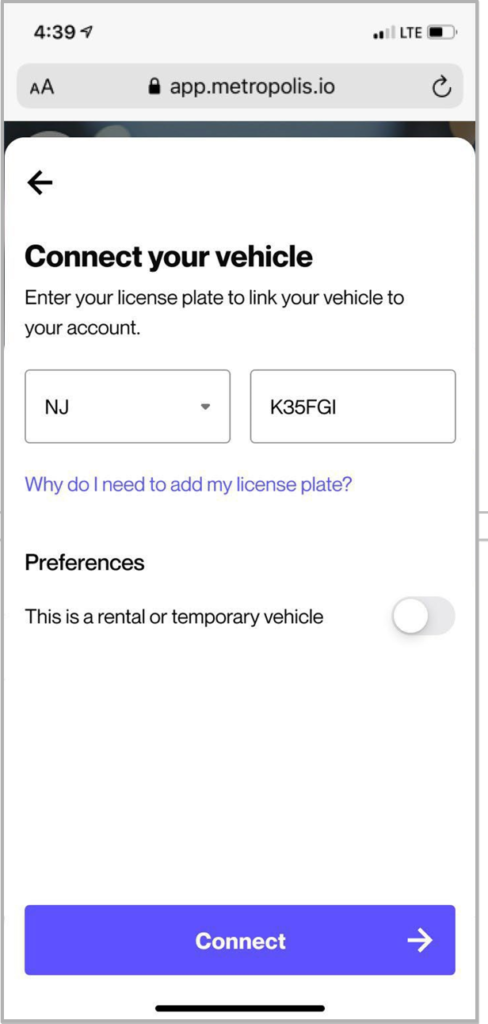
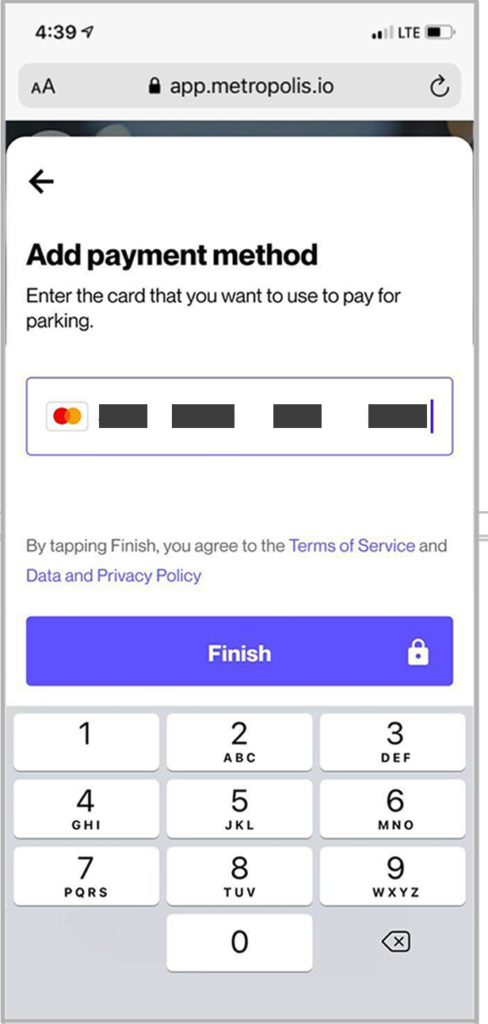
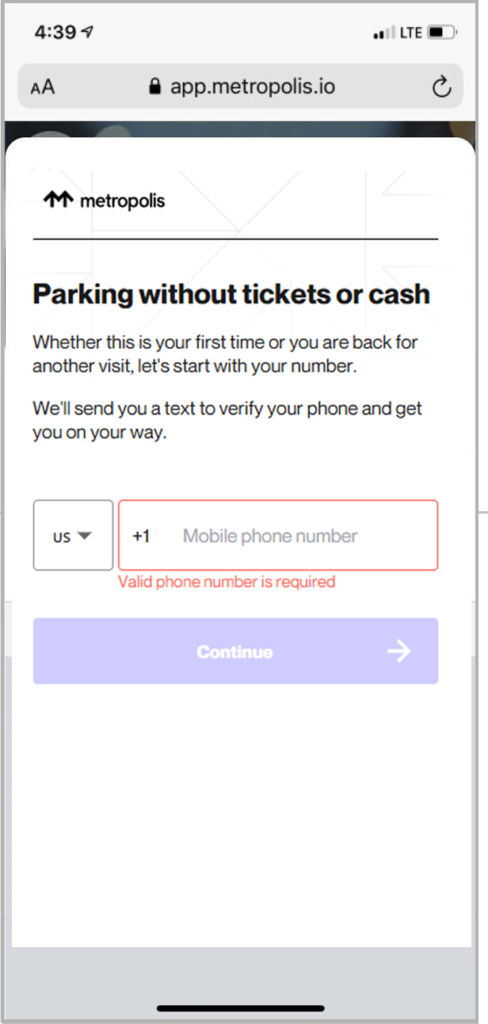
If it’s your first time parking with Metropolis, you can register your payment information and license plate number and state. You can do this at any time from your phone here or on your iPhone through the Metropolis app – it takes less than a minute.
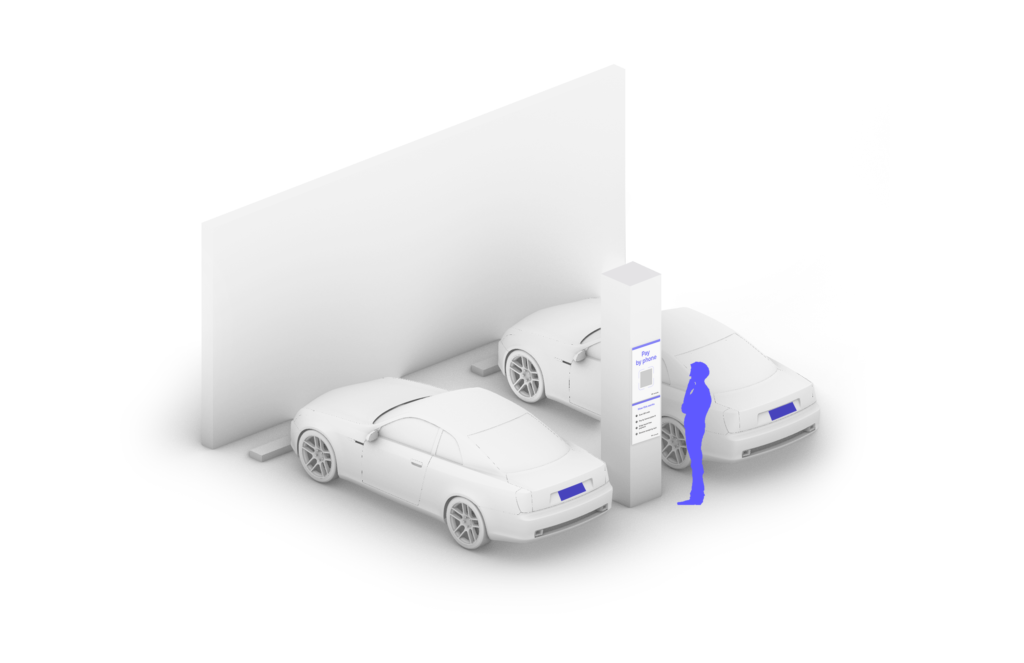
Forget to register? No problem. When you arrive, scan one of the QR codes located throughout the parking areas or pedestrian pathways. Once you’ve signed up, your vehicle is linked to your account, and payment is automatically processed upon exit.
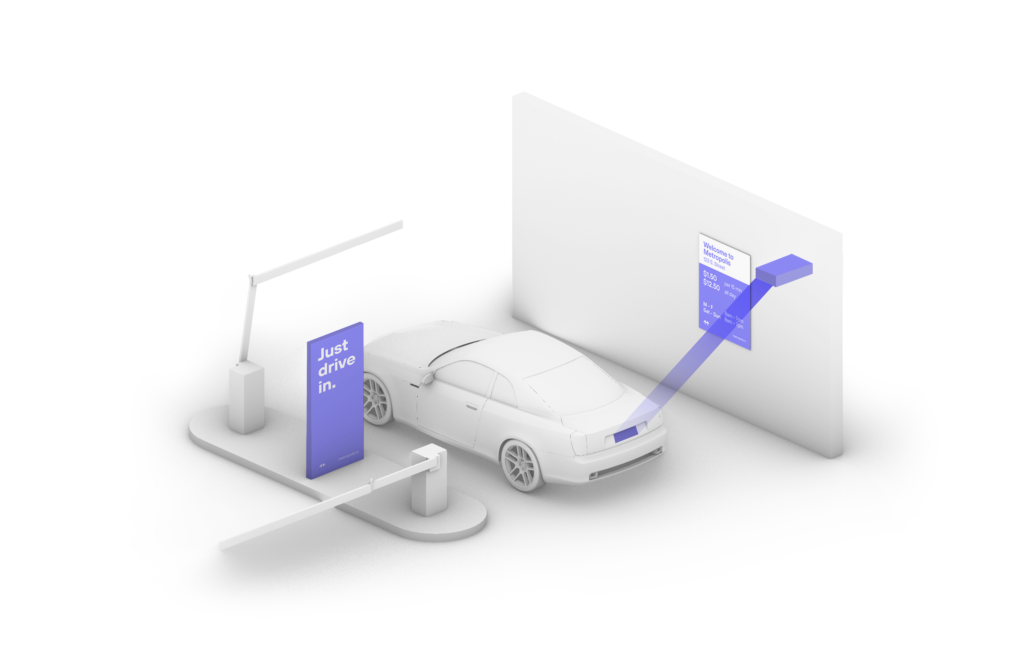
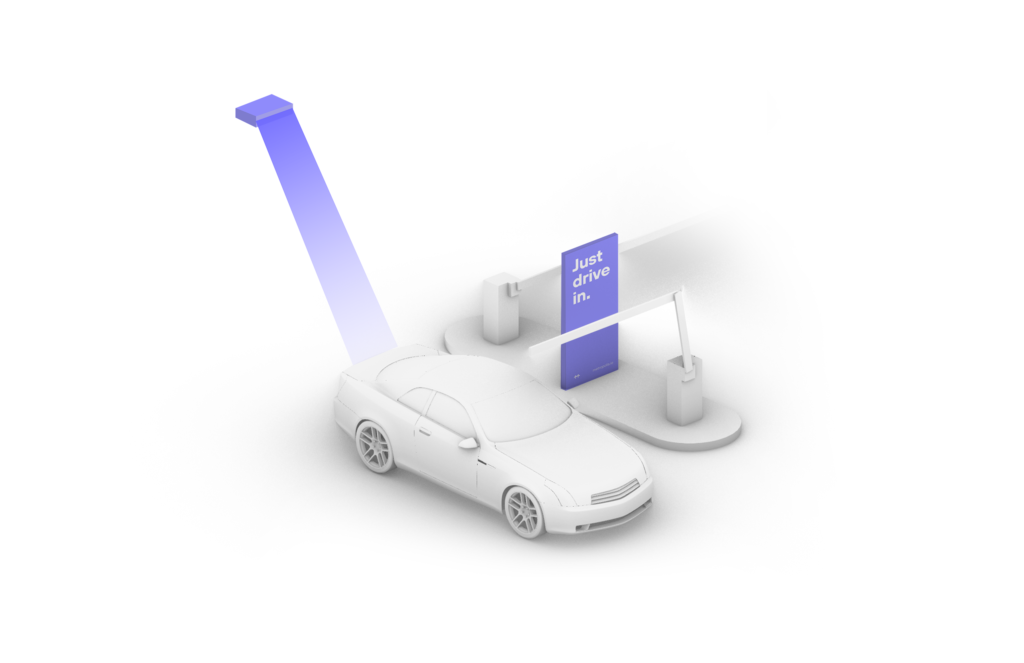
When you enter the parking area, a scan of your license plate will be taken automatically. Don’t worry — your information is stored securely. When you leave, the cameras will recognize your vehicle and match it to your existing account. Frequent travelers will enjoy the ability to access their membership profile and review previous activity and download receipts if needed. Further, Metropolis personnel are onsite to assist should you require any assistance.
More than 13 million people nationwide have already chosen to take the hassle out of parking as members of Metropolis. That means no more fumbling with cash or ticket machines, and with a network that spans the entire country, you’ll enjoy hassle-free parking across 1600+ locations equipped with the technology.
Have more questions about parking with Metropolis at XNA? Check out answers to your frequently asked questions here.