Northwest Arkansas National Airport Introduces Parking with Metropolis
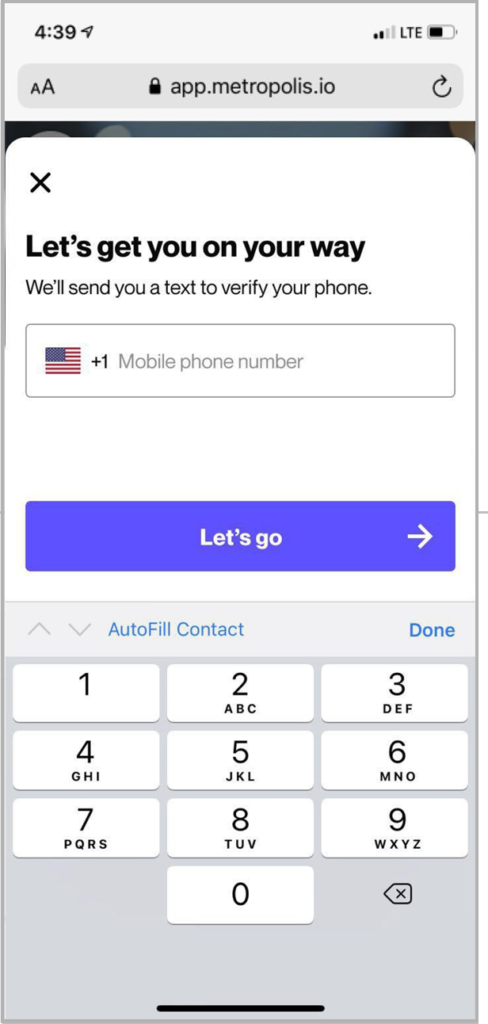
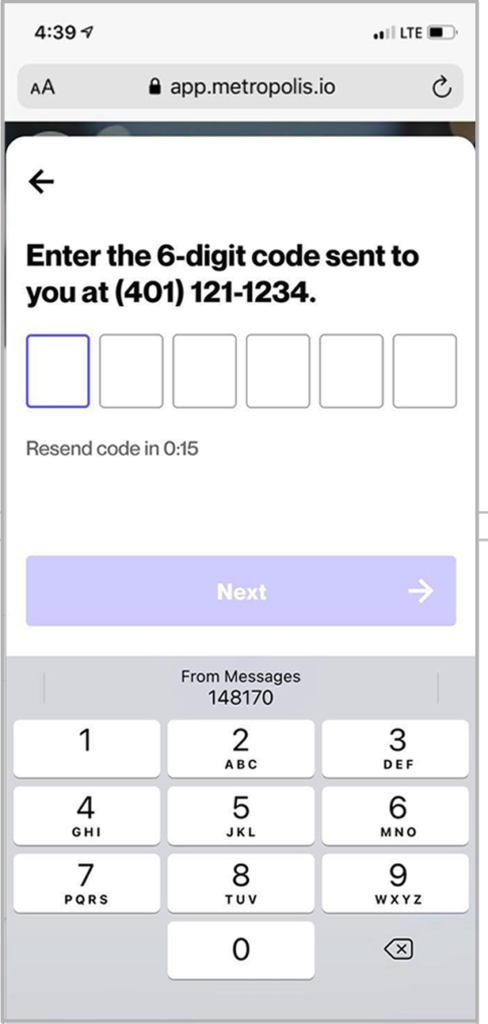
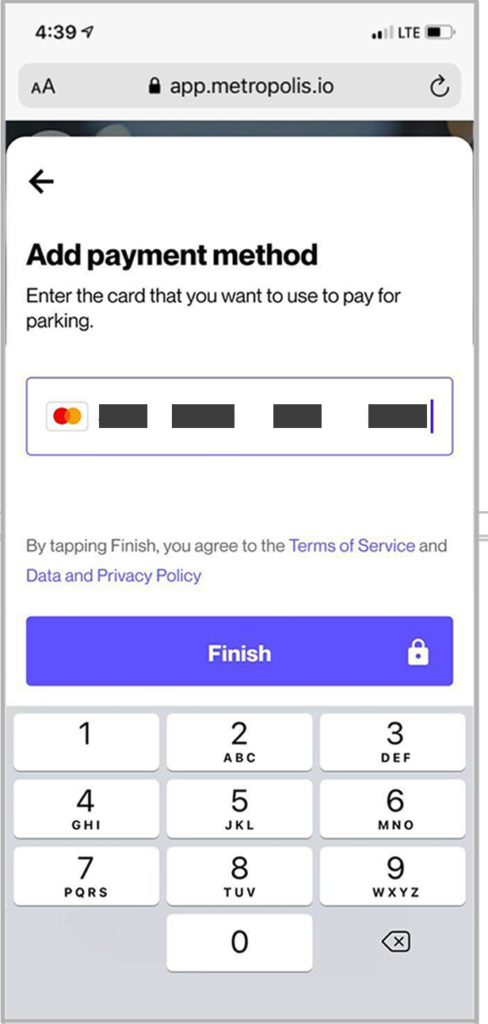
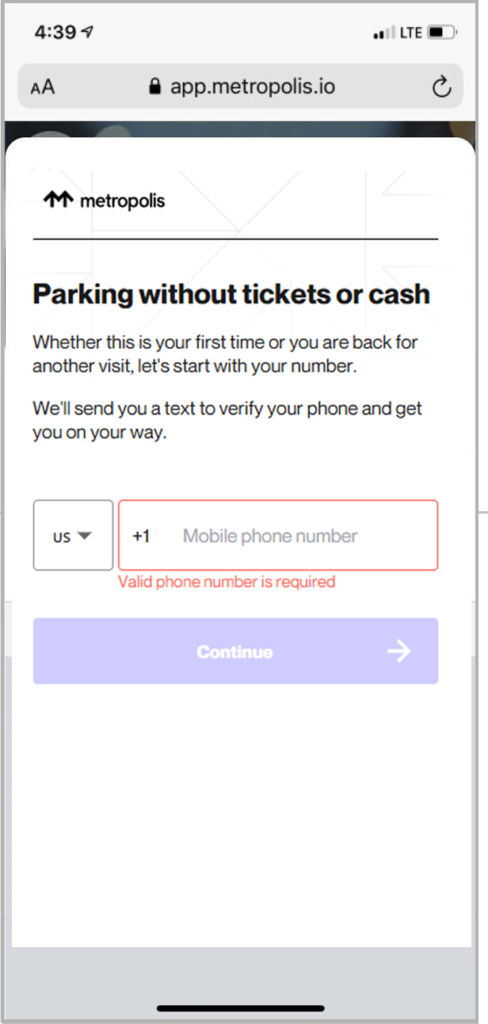
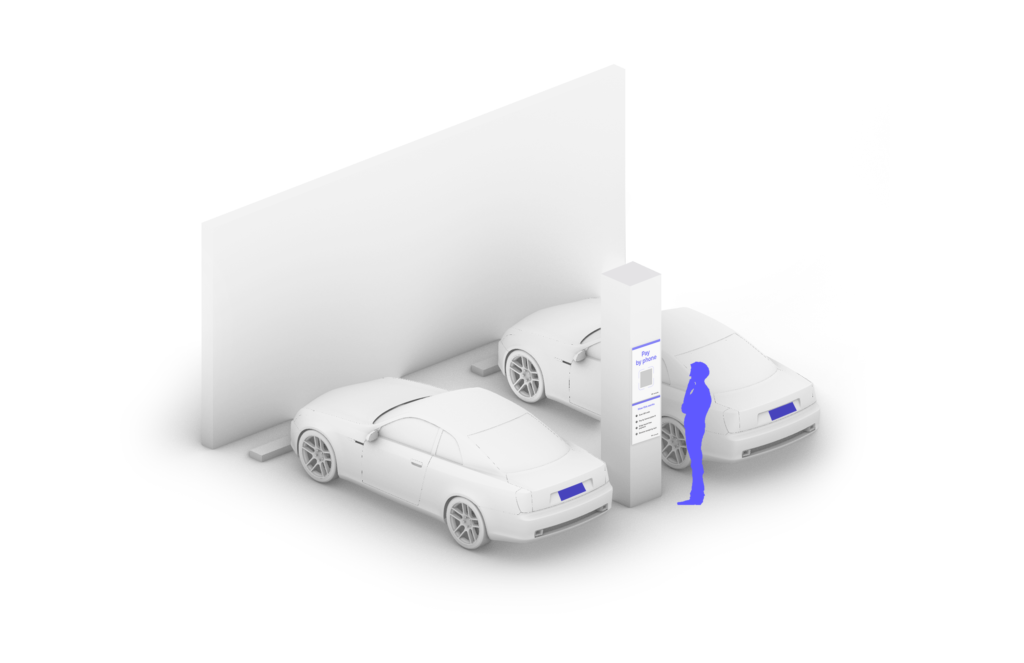
We’re excited to announce our partnership with Metropolis to give you a more seamless parking experience at XNA. Register by scanning one of the QR codes located around the parking structure, then the rest is easy. No more searching for paper slips or having to pay hefty fees for lost tickets. It’s drive in, sign up then drive out. It’s simple, secure and seamless.
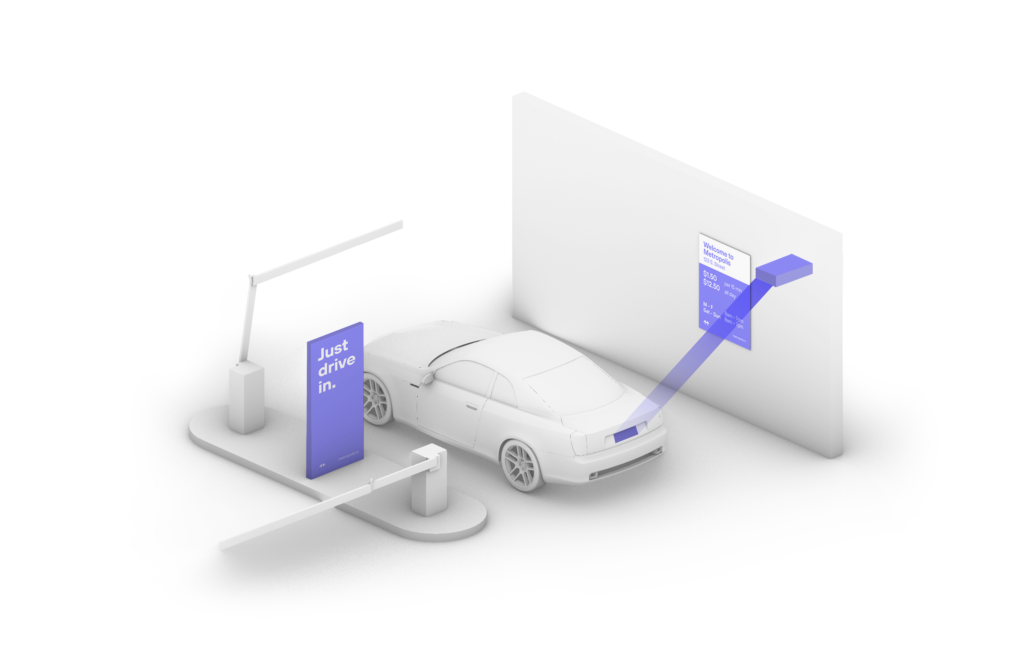
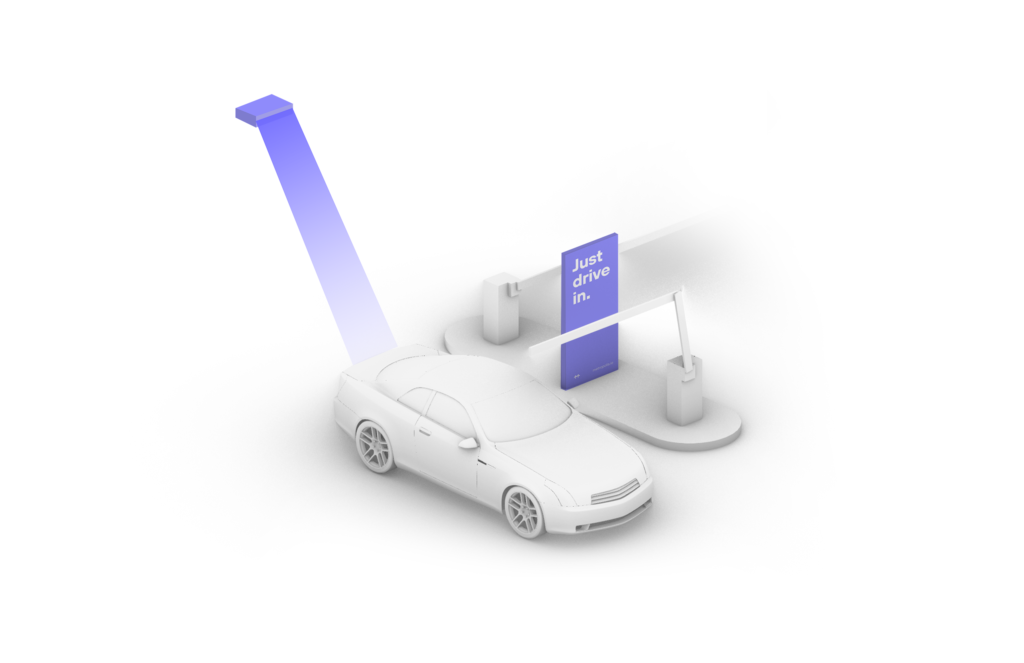
Stress less about parking and get excited for the journey ahead. Metropolis Technology recognizes your vehicle automatically, so you can be in, out and on your way.
How it Works
Connect once and you’ll enjoy seamless, automated parking at XNA.
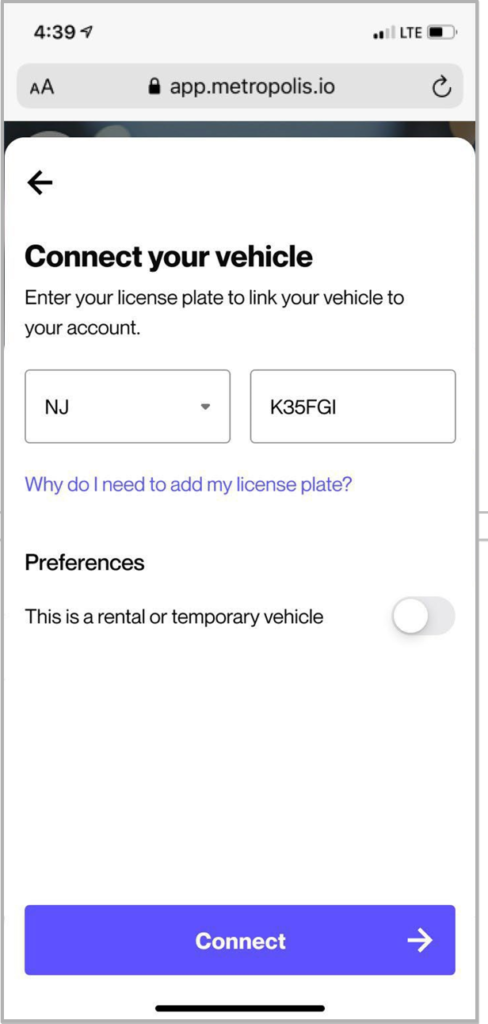
First-time Users of the Metropolis Technology, follow the simple steps to sign up.
Metropolis Technology is an innovative way to make parking easier. The technology recognizes vehicles automatically so guests simply drive in and drive out.
With Metropolis Technology, you will not have to worry about keeping track of a physical ticket. Once you have registered, you will simple drive in, receive a confirmation text and drive out.
No, if you have a prepaid parking reservation you do not need to register with Metropolis to park. However, all travelers without a prepaid parking reservation only have to register once per vehicle to park on site at the airport.
Your receipt will be sent to you via text after you exit the parking garage.
1.
Drive In Your visit starts when you drive in. You will receive a welcome text when you enter, and your parking session will begin.
2.
Drive Out When you exit the parking garage your parking session is automatically charged to your credit card on file. Just drive out.
1.
Drive In Your visit starts when you drive in, and your parking session will begin.
2.
Connect Scan QR code posted in the parking garage and enter the required information. (License plate number required)
3.
Drive Out When you exit the parking garage, your parking session is automatically charged to your credit card on file. Just drive out.
1.
Drive In Your visit starts when you drive in, and your parking session will begin. (The Metropolis Technology recognizes your license plate and retrieves your prepaid reservation.) Do not scan posted QR codes. You’re all set.
2.
Drive Out When you exit the parking facility, your prepaid reservation is recognized. Just drive out. (If you stayed beyond your allotted reservation, your credit card will be charged the difference using the drive-up rates.)